 Levio Studio
Save. Sort. Keep.
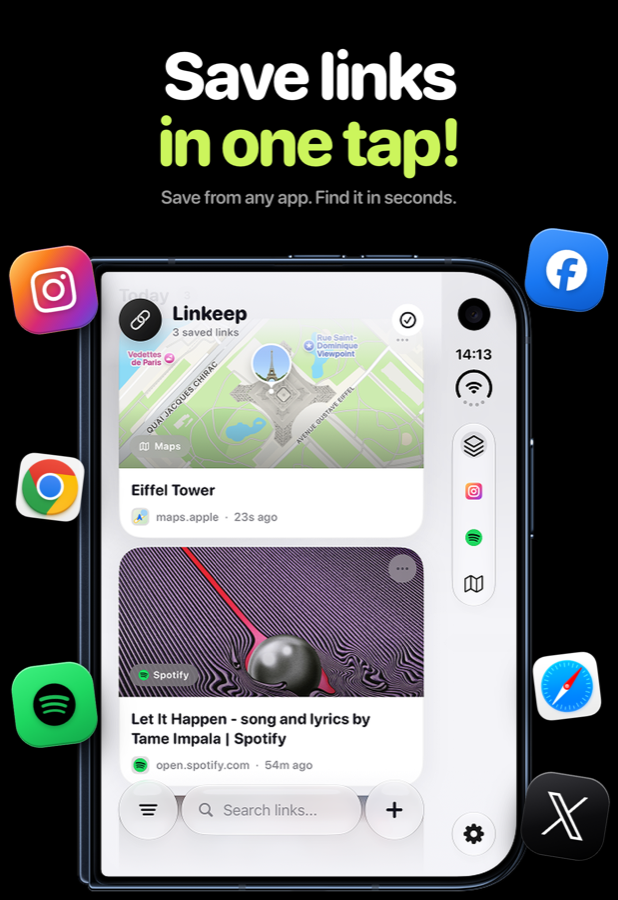
Linkeep is a smart link manager. Save a link from any app in one tap, sort it into a category, find it again in seconds, and keep your library private with Face ID or a PIN.
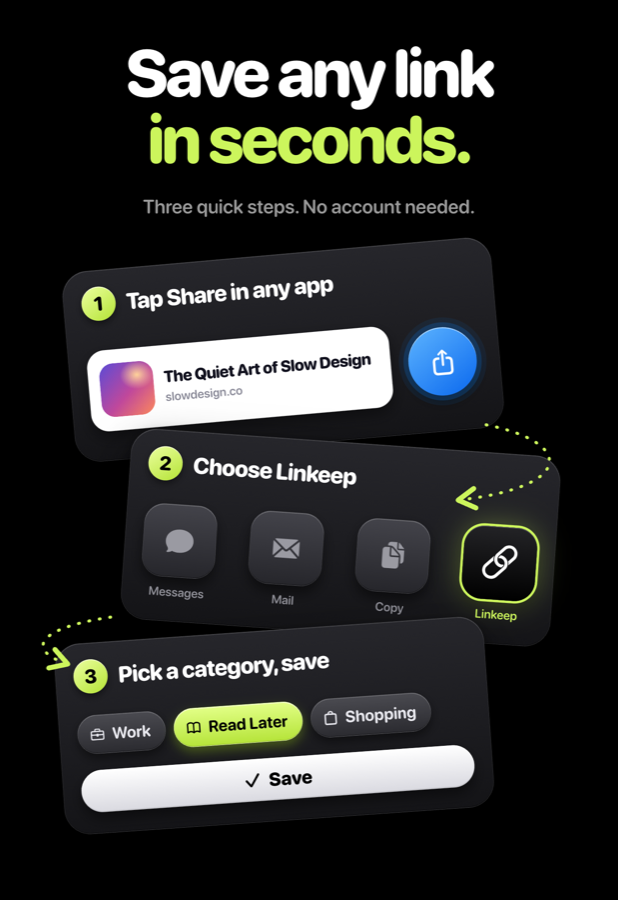
Save any link
in seconds
Three quick steps. No account needed.
Tap Share
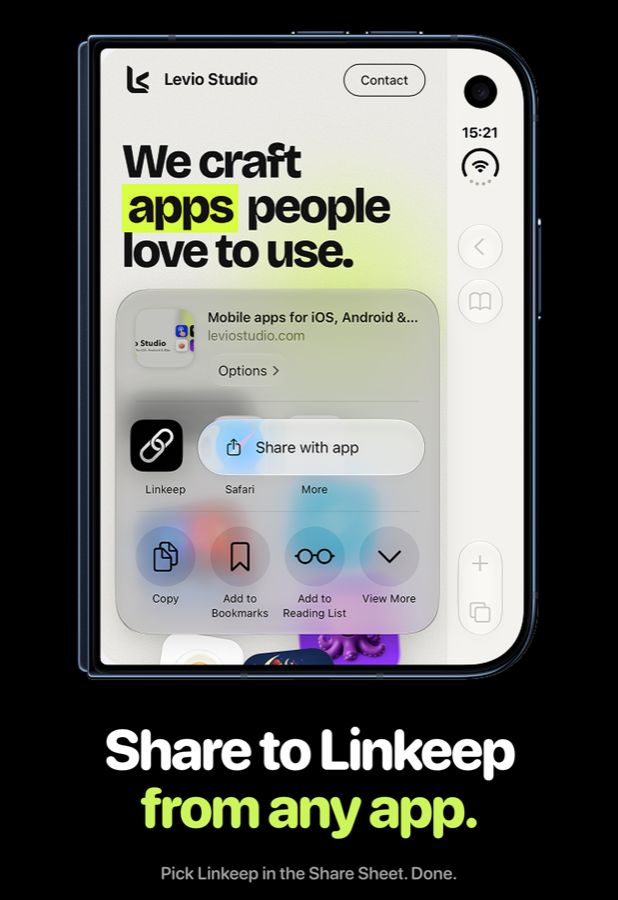
In Safari, Instagram, YouTube, Spotify, Maps or any other app, open the Share menu.
Choose Linkeep
Pick Linkeep from the share sheet. Pin it to the top of the list once and it is always one tap away.
Pick a category
Optionally name the link, choose a category and save. Done.
Prefer copying? Copy a link and open Linkeep. The app detects the link on your clipboard and lets you save it with a single tap.
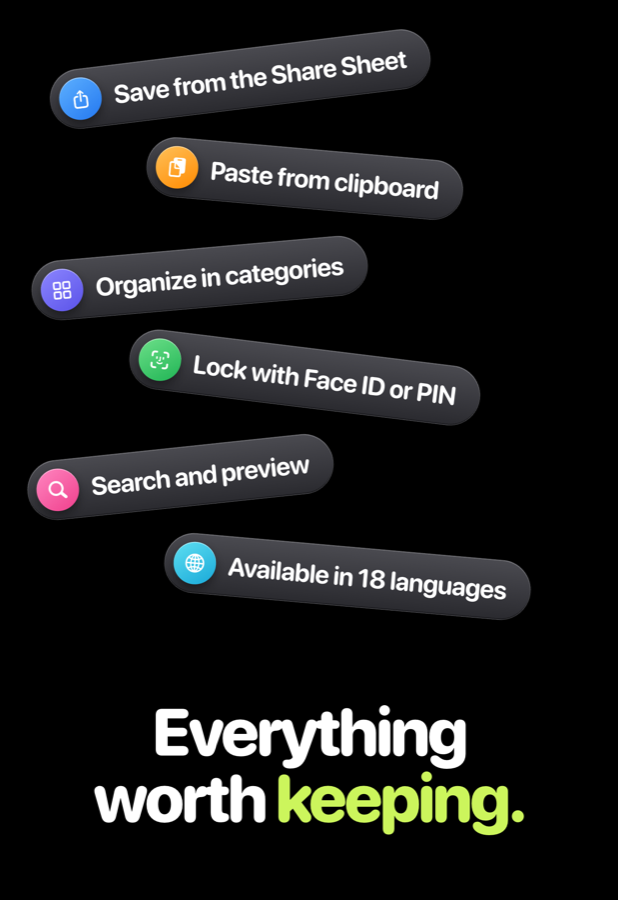
Everything
worth keeping
Built around one idea: your links, together.
Share sheet
Save from any app that can share a link, with a built-in extension and a hint to pin it first.
Clipboard detection
Copy a link, open Linkeep, and save it from the prompt. No typing, no pasting.
Categories
Use the defaults or create your own. Delete one and its links move to another category for you.
Search and previews
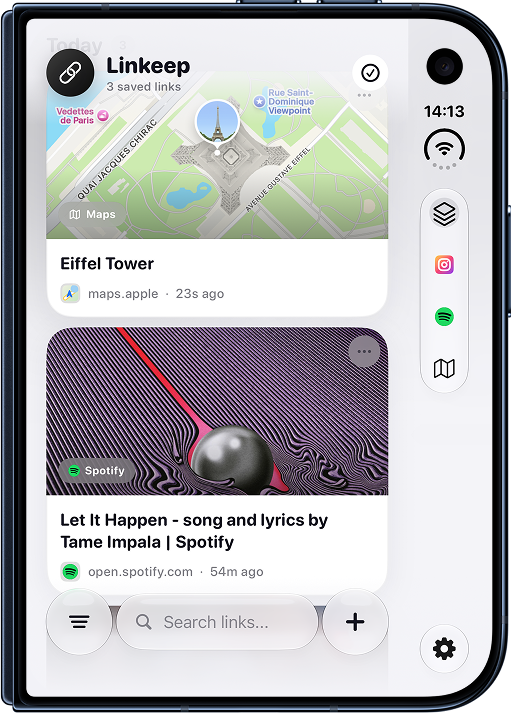
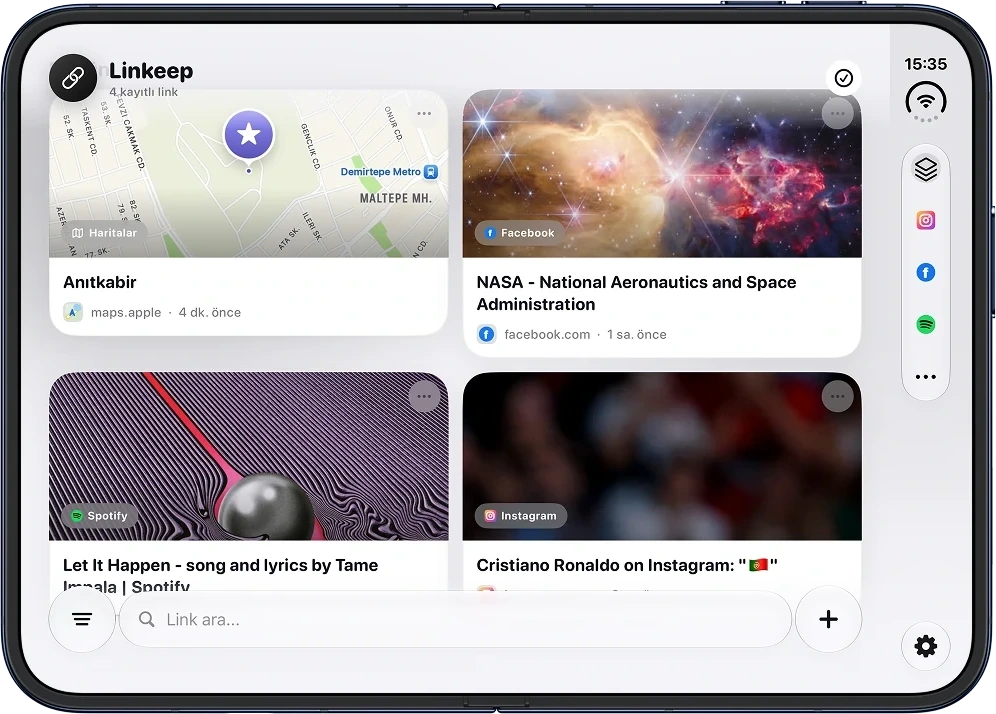
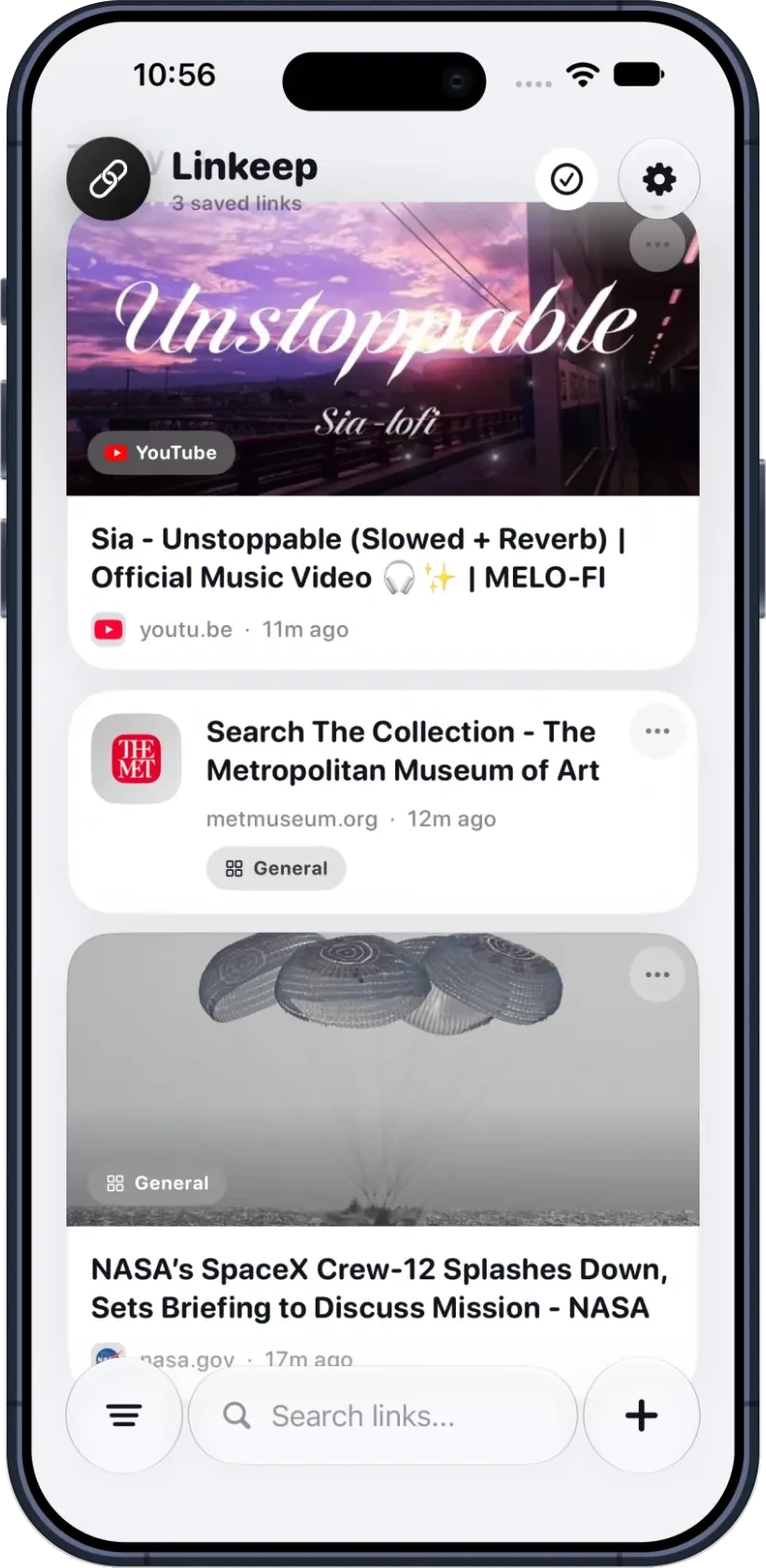
Find a link by title or address. Rich cards show thumbnails, the site and when you saved it.
Face ID or PIN
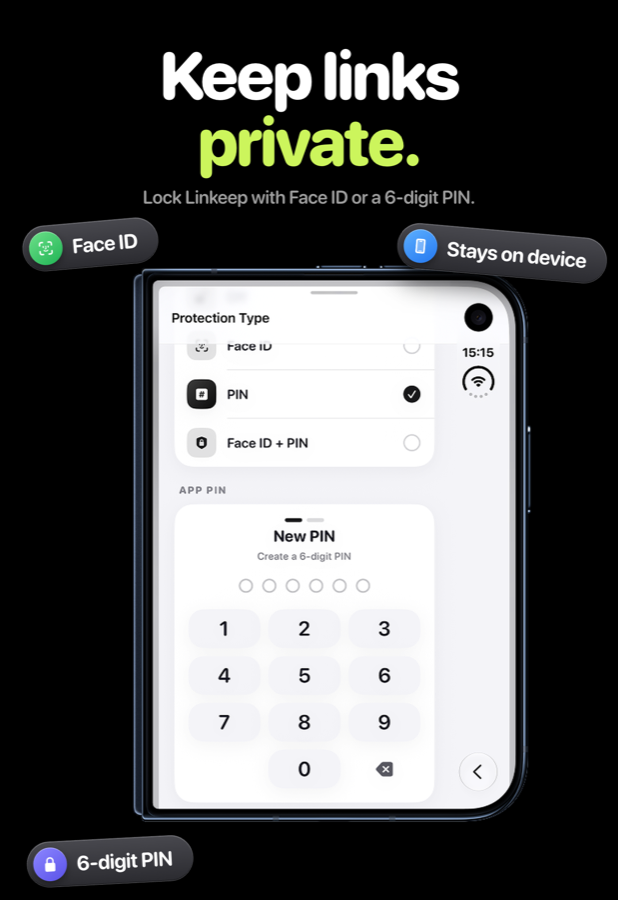
Lock the app with Face ID, a 6-digit PIN, or both. Your library stays private.
18 languages
English, Türkçe, Deutsch, Français, Español, Italiano, Polski, Русский, 日本語, 한국어 and more.
Organized the way you think
Group links by what they are for. Work, Read Later, Inspiration, Shopping, or the apps they came from. Links are also grouped by Today, Yesterday, This Week and Older.
- Change a link's category any time
- Edit titles and open links in your preferred browser
- Light, dark or system appearance
Keep links private
Choose Face ID, a 6-digit PIN, or Face ID plus PIN. Linkeep asks for it each time you open the app.
There is no account and no cloud sign-in. Your links stay on your device.
- Face ID, PIN, or both
- No sign-up required
- Links stay on your device
A look inside
Library, features, sharing and security.
Questions
About Linkeep.
How do I save a link?
Tap Share in any app, choose Linkeep, pick a category and save. You can also copy a link and open Linkeep, which detects it and offers to save it.
Do I need an account?
No. Linkeep has no sign-up and your links stay on your device.
How is my library protected?
You can lock Linkeep with Face ID, a 6-digit PIN, or both.
Can I create my own categories?
Yes. Linkeep includes default categories and lets you add your own. If you delete a category, its links move to another category automatically.
Which browser opens my links?
You can choose a default browser in Settings. If it is not installed, Linkeep falls back to the system default browser. iOS does not let apps detect every installed browser.
Which languages are supported?
Linkeep is available in 18 languages, including English, Türkçe, Deutsch, Français, Español, Italiano, 日本語 and 한국어.
Get Linkeep.
Free on the App Store for iPhone and iPad. Questions or ideas? Write to info@leviostudio.com.