 Levio Studio
Single tap
Tap one spot again and again at the interval you choose.

Auto Clicker Fast Tap is a free auto clicker for Android. It repeats taps and swipes for you with a simple floating panel. Set your points, choose the speed, press play. No root required.
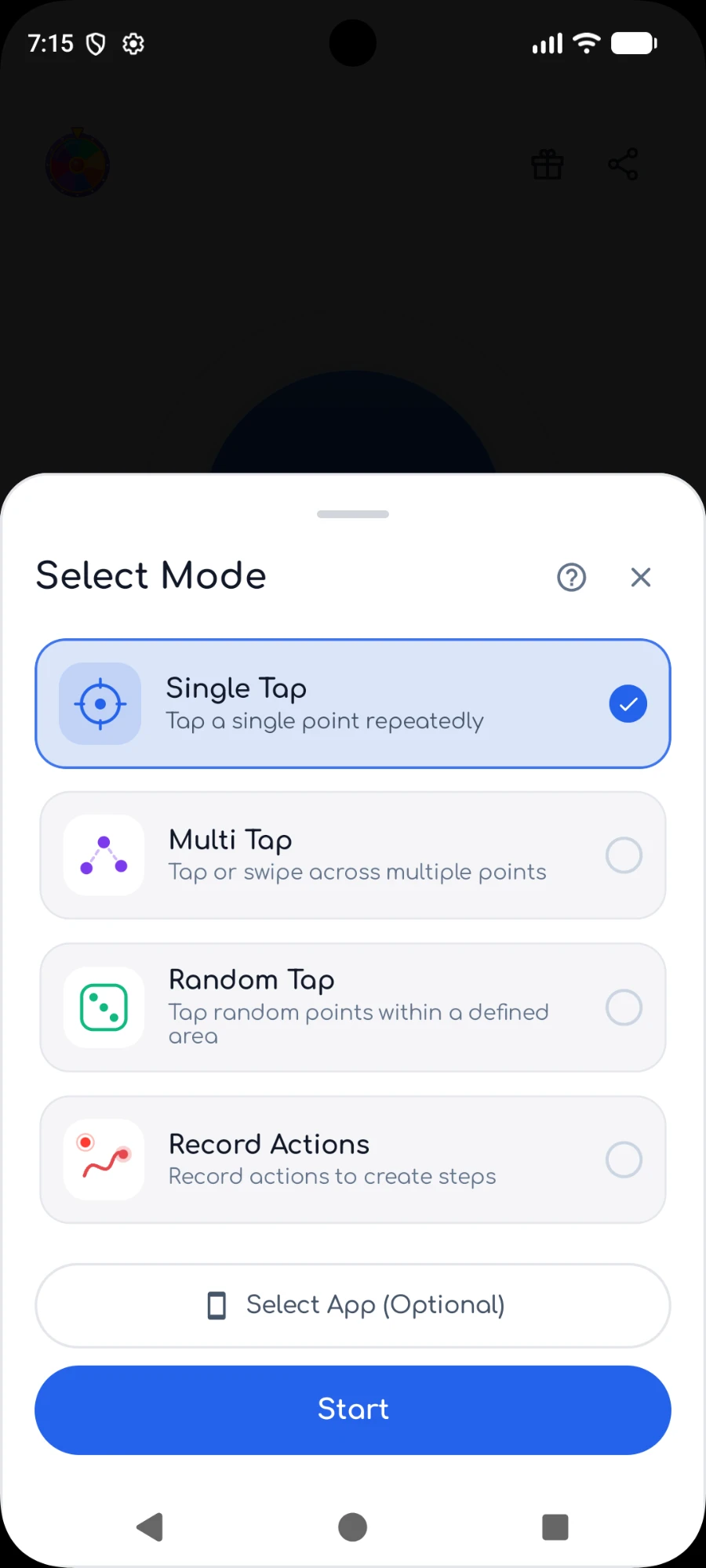
Pick the mode that matches what you want to repeat.
Tap one spot again and again at the interval you choose.
Build a sequence of taps, long presses and swipes that runs in order.
Draw an area and tap at random points inside it.
Record your own gestures once and replay them exactly as you made them.
Everything you need, nothing you don't.
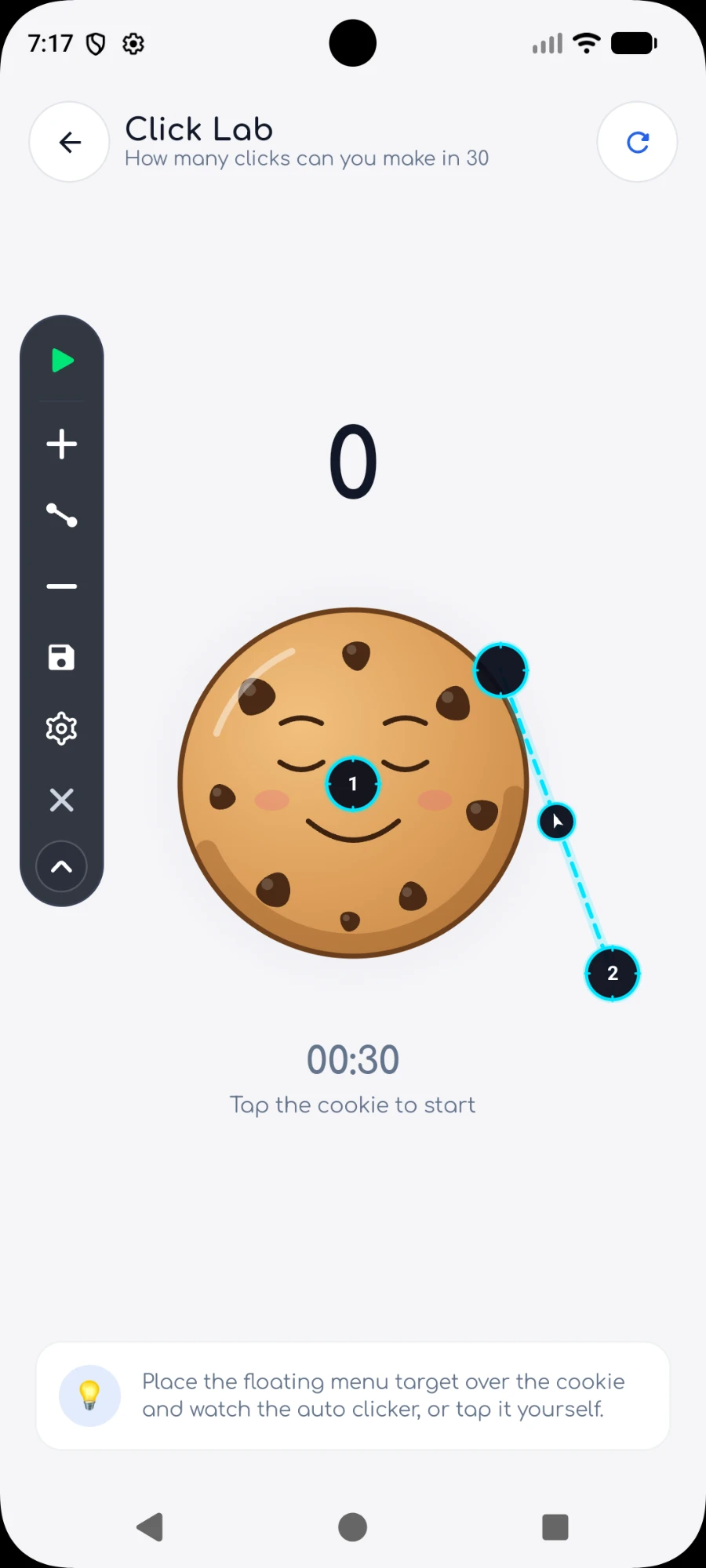
A small draggable panel stays on top of any app. Collapse it, rotate it, or hide the points while running.
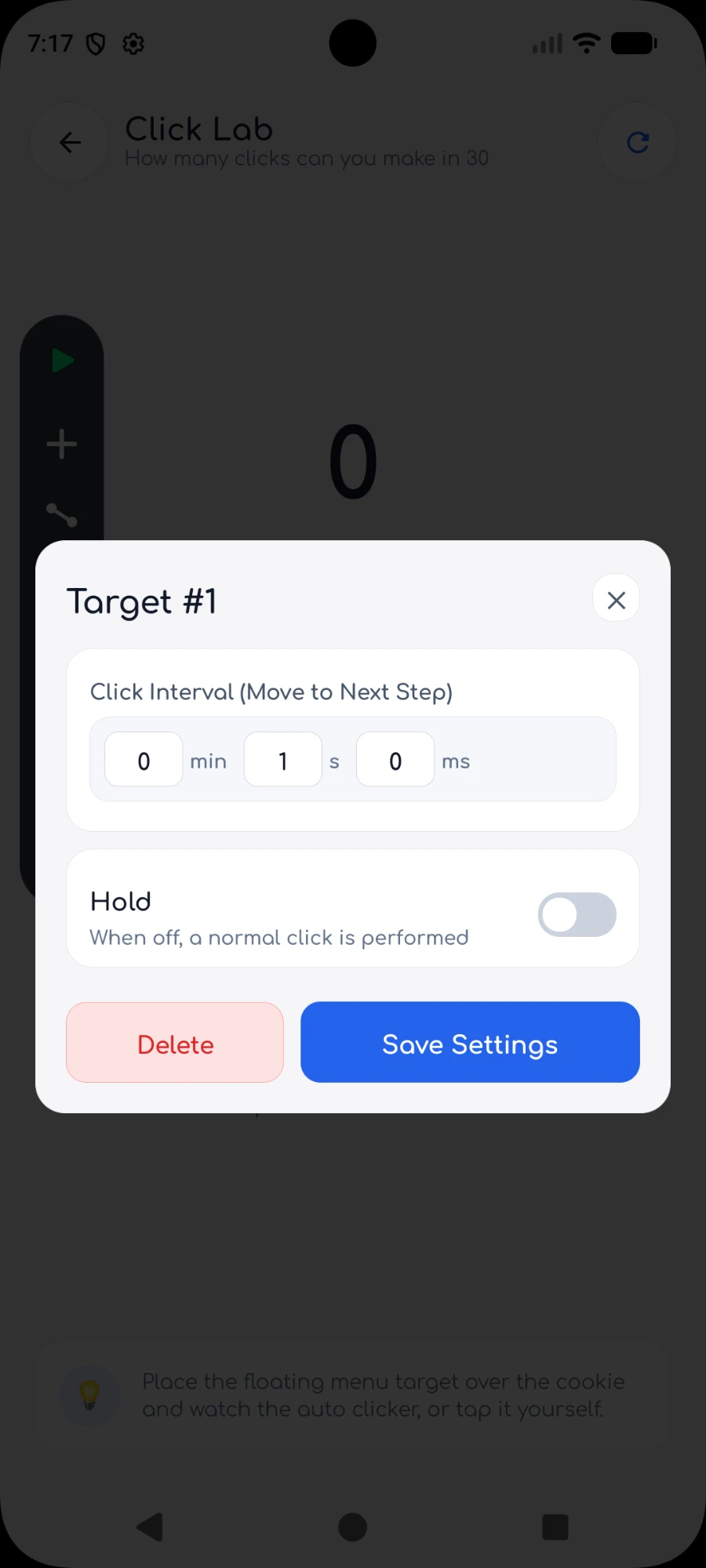
Set delays from milliseconds to minutes, repeat counts, run time limits and swipe speed.
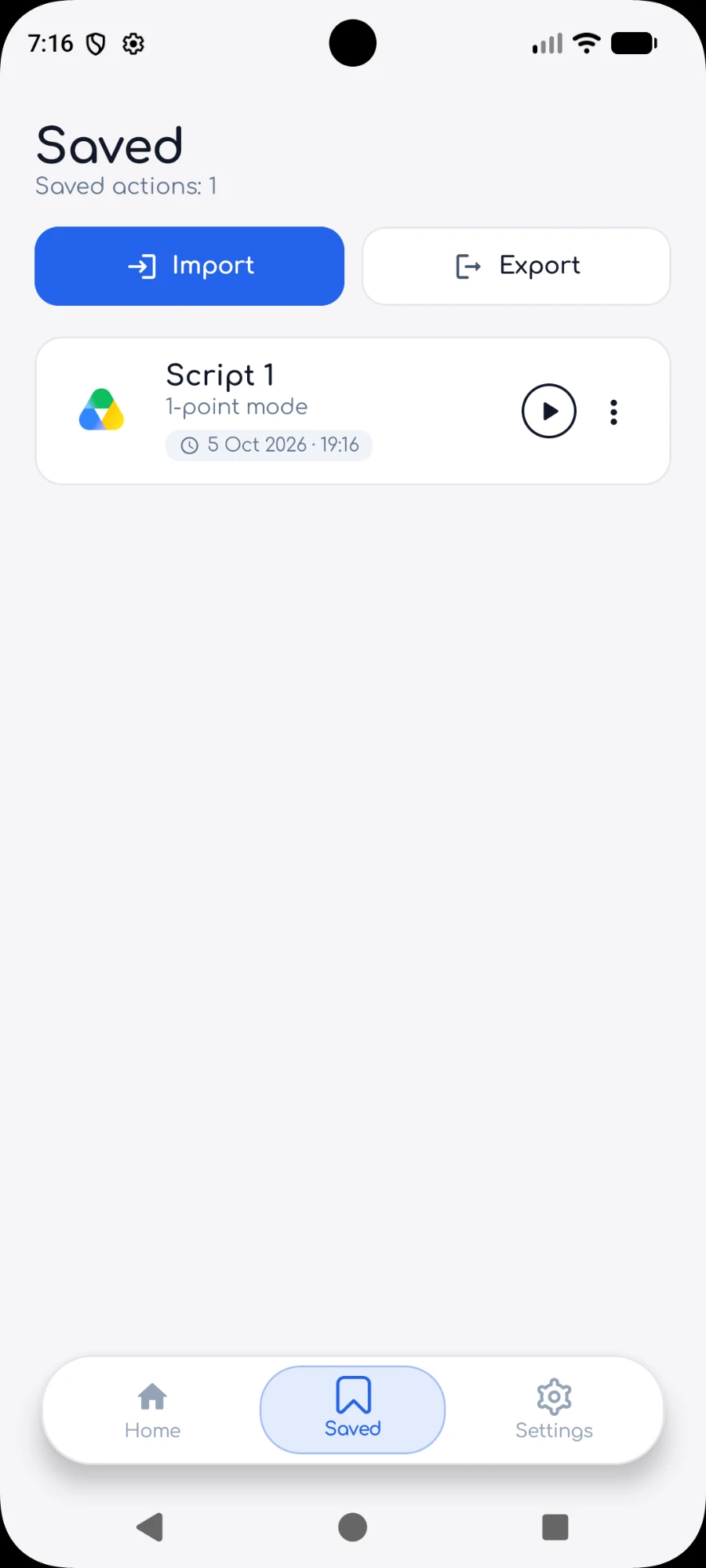
Save your setups, load them in one tap, and import or export them as files.
English, Türkçe, Deutsch, Français, Español, Italiano, Polski, Dansk, Русский, Українська, 日本語 and 한국어.
Open the app each day to collect coins and spend them on ad-free time.
Your setups stay on your device. No sign-up, no cloud, no tracking of what you tap.
The floating panel, mode picker, point settings and saved setups.
About the Android auto clicker.
Yes. Auto Clicker Fast Tap works without root. It uses Android's Accessibility Service to perform the taps and swipes you set up.
Yes, the app is free to use. It shows ads, and you can collect coins with the daily reward and spend them on ad-free time.
Android 7.0 or newer.
Yes. Multi tap mode lets you build a sequence of taps, long presses and swipes, and Record mode replays gestures exactly as you made them.
It is used only to perform the taps and swipes you configured. The app does not read your screen, passwords or messages, and it does not collect what you tap.
The accessibility service is used only to perform the taps and swipes you set up. The app does not read your screen, passwords or messages, and it does not collect what you tap.